CAMO Simulator
A downloadable game
CAMO — Procedural Camouflage Sandbox
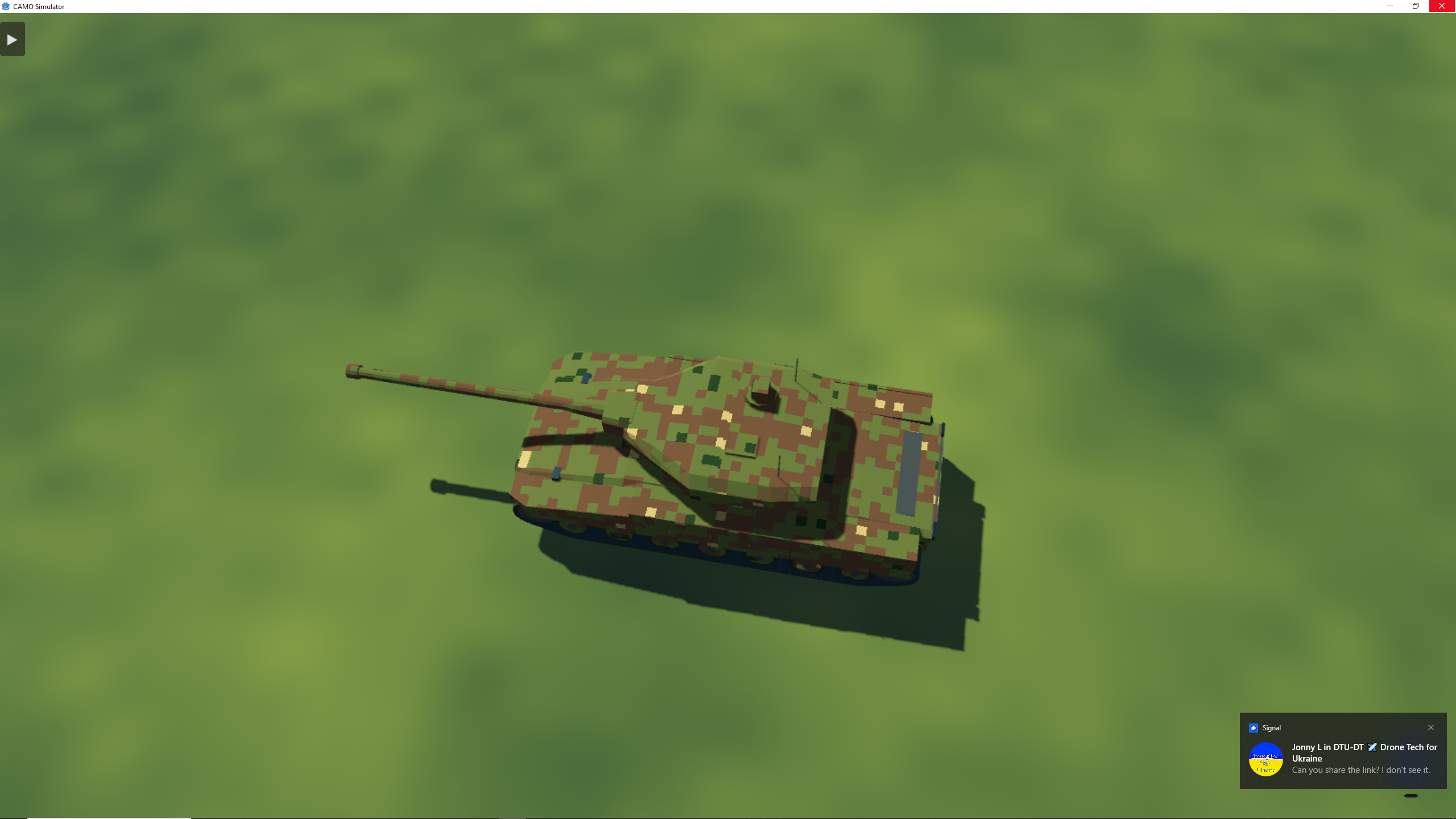
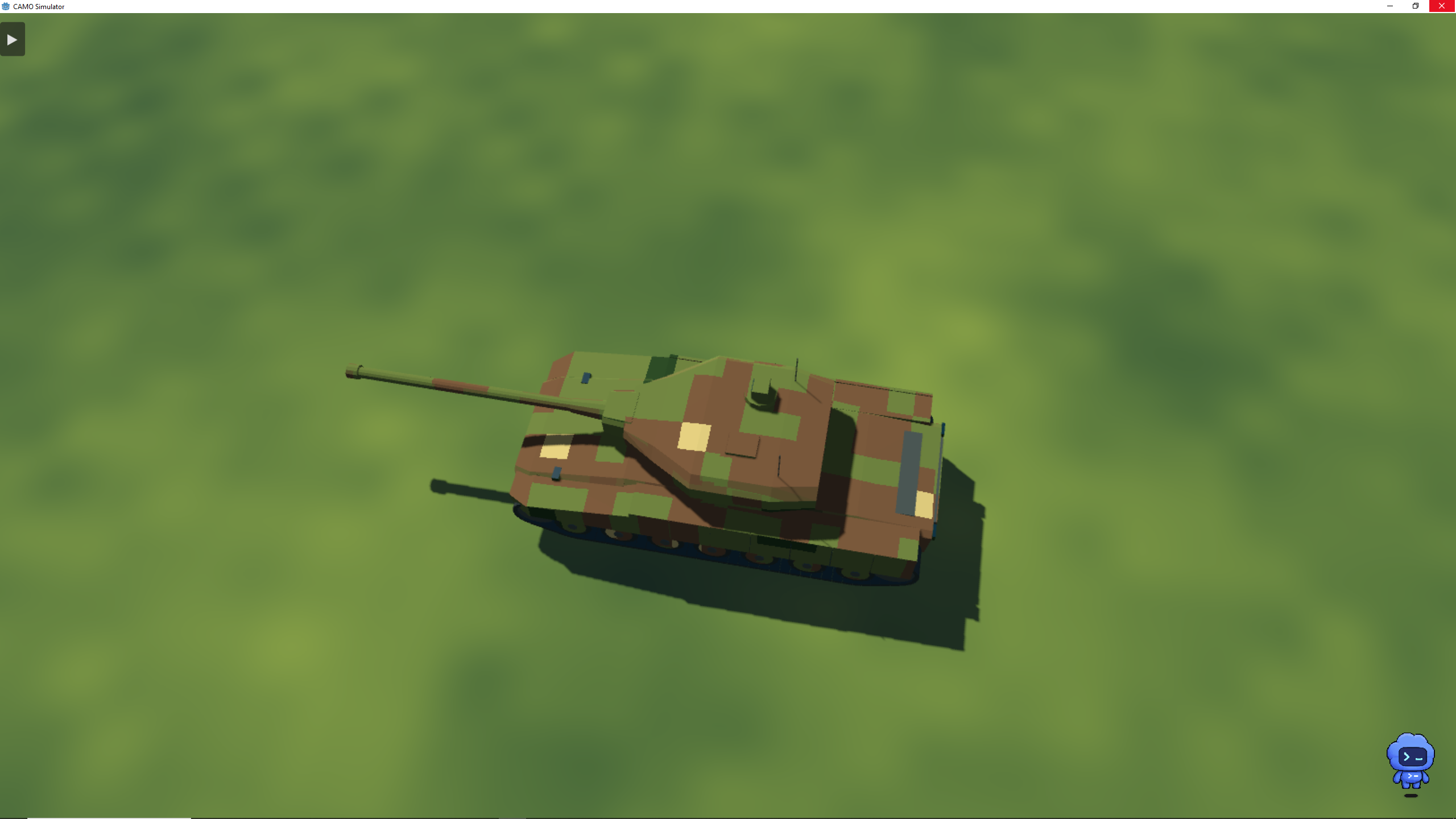
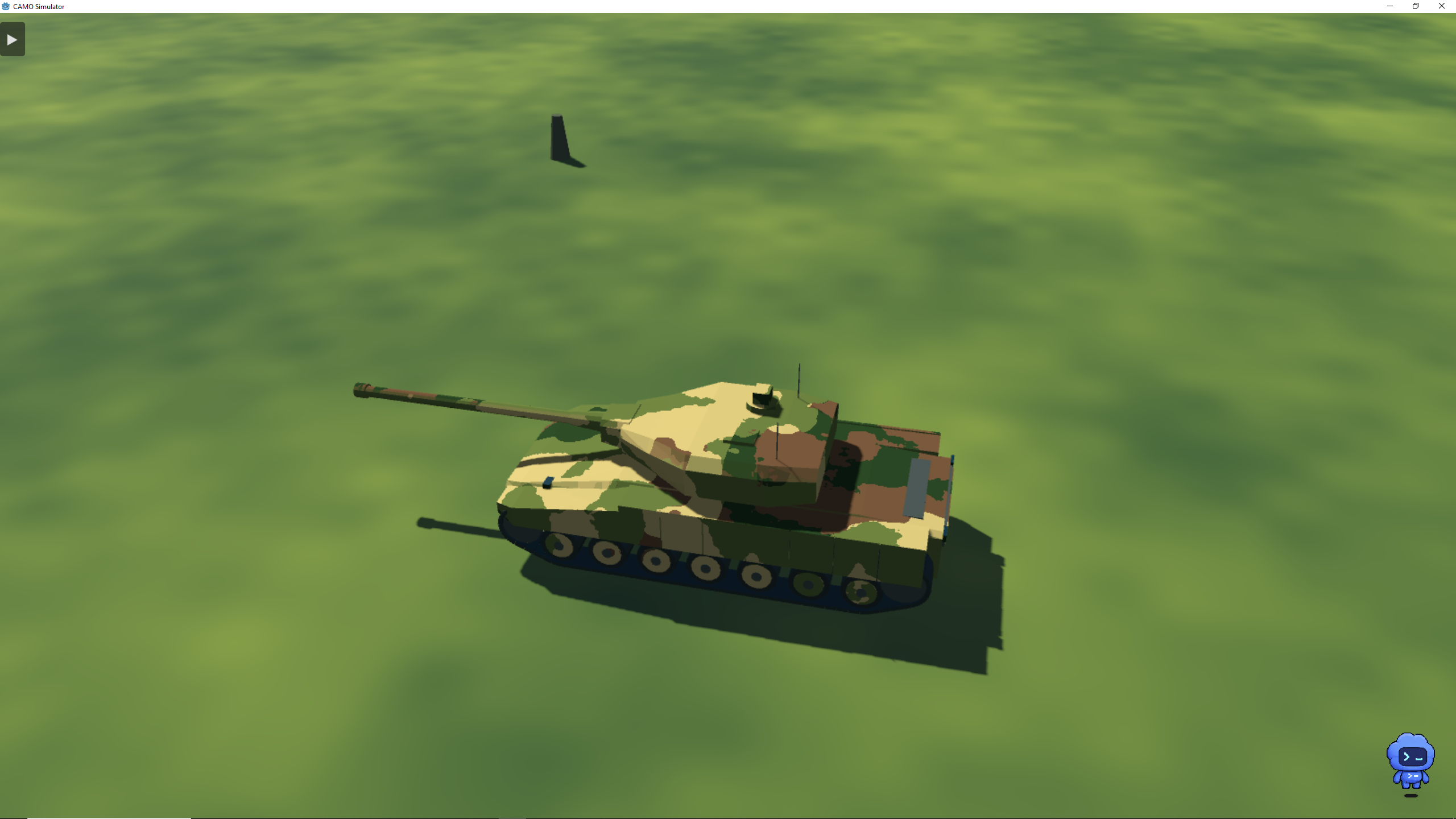
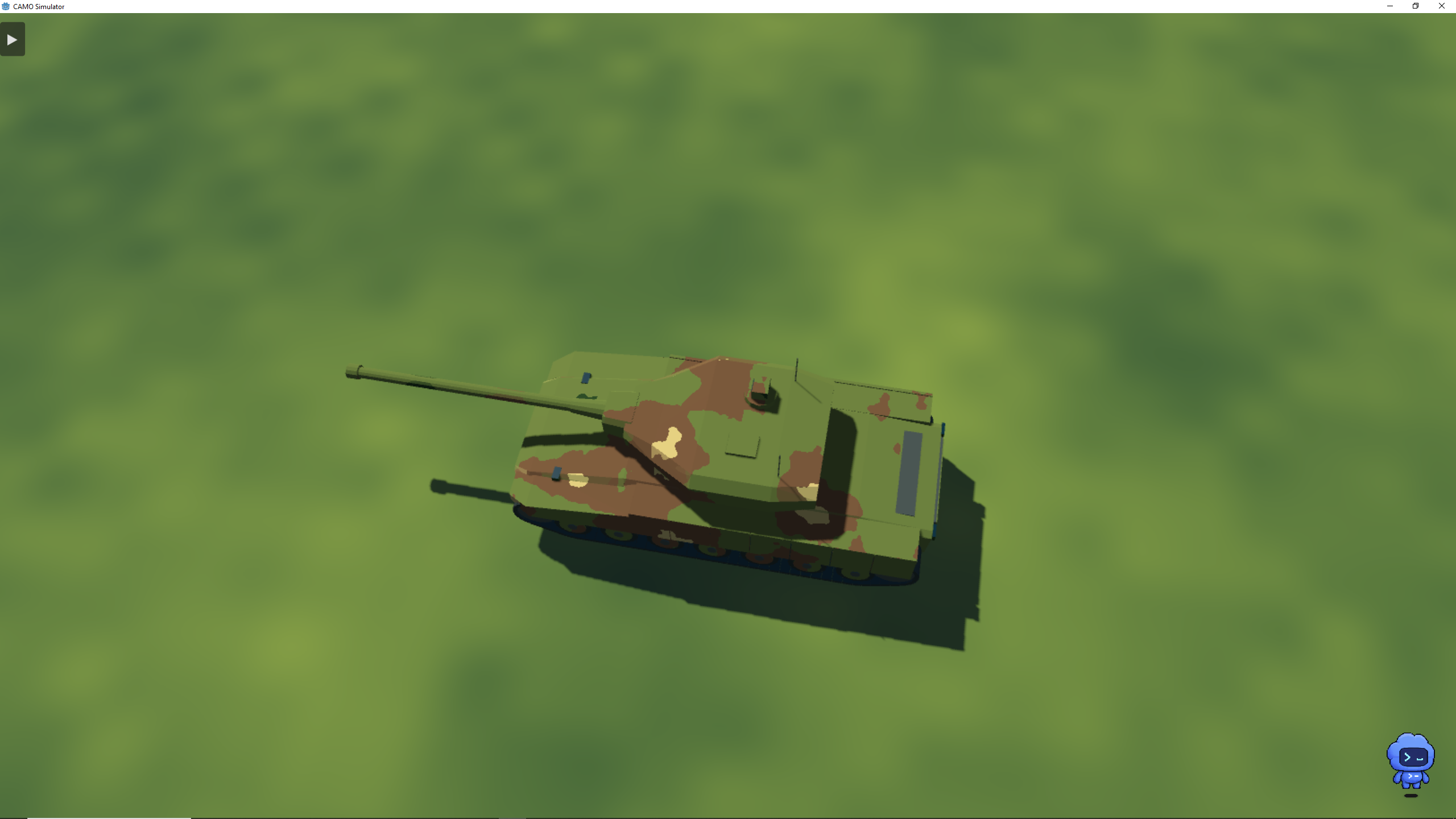
CAMO is an experimental 3D sandbox for designing, modifying and visually testing procedural camouflage.
Create camouflage patterns, build custom palettes, change pattern structure and scale, generate environmental references, alter lighting and weather, and inspect the same design from controlled viewpoints and distances.
The current standard platform is MBT-01, a fictional low-poly vehicle created specifically for the simulator.
STANDARD restores MBT-01 with the default Temperate Woodland camouflage.
CAMOUFLAGE DESIGN
• Procedural camouflage generation • Multiple pattern families • 2–8 colour palettes • Macro / Medium / Micro pattern layers • Pattern scale, density, complexity and distortion controls • Mapping and projection controls • Randomize and mutate designs • Import custom textures • Save and load presets • Colour sampling from reference images • Automatic palette extraction • Apply sampled environmental colours directly to camouflage
VEHICLE
• Procedural MBT-01 platform • Adjustable hull and turret proportions • Adjustable gun, tracks and running gear • Deterministic vehicle seeds • Random vehicle generation • Drive the vehicle around the test environment
CONTROLLED VIEWING
CAMO can inspect the same design under repeatable viewing conditions.
• Front, side, rear, top and 3/4 views • Standardized viewing distances • Adjustable field of view • Free camera • Drive camera • White Studio inspection mode • Environment ON/OFF • Shadows ON/OFF
LIGHTING & WEATHER
Test camouflage under different visual conditions.
Lighting includes:
• Dawn • Morning • Noon • Afternoon • Evening • Dusk • Night • Moonlight • Overcast • Custom lighting
Weather and atmosphere include:
• Clear • Partly cloudy • Cloudy • Overcast • Haze • Light and dense fog • Light rain / rain / heavy rain • Light snow / snow • Wind • Wet ground • Vehicle wetness
Lighting, weather, shadows and environment controls can be combined independently.
PROCEDURAL ENVIRONMENT REFERENCES
CAMO can generate abstract environmental reference backgrounds for camouflage development.
Select combinations of:
• Region • Climate • Season • Habitat • Environmental condition • Seed
Reference families include environments from Europe, Asia, Africa, the Americas and Australia/Oceania, ranging from temperate woodland and boreal forest to steppe, savanna, tropical environments, scrub and desert.
These backgrounds are abstract colour and spatial references, not geographic or ecological simulations.
Colours can be extracted from a generated environment and transferred to the camouflage palette.
TESTING
CAMO includes standardized capture tools for comparing a design under controlled conditions.
Build test matrices using combinations of:
distance × view × lighting × weather
CAMO can produce repeatable screenshots, contact sheets and accompanying configuration data.
OUTPUT
Export:
• Generated camouflage patterns • Colour palettes • Camouflage settings • Procedural reference backgrounds • Test captures • Contact sheets • Test metadata
This makes generated designs usable outside the simulator as well as inside CAMO.
CURRENT STATUS
v0.2 Alpha
CAMO is an experimental project under active development. Features, controls, visuals and generated content may change substantially between versions.
The current environment and vehicle are intentionally simple. Development is focused first on the procedural design and testing systems.
Download
Install instructions
Windows
- Download CAMO.exe. There are no folders with model files or else - everything is procedurally generated.
- Run the downloaded file. No installation is required.
- If Windows SmartScreen appears, choose More info → Run anyway.
- On the start screen, select ENTER SANDBOX.
Basic controls: WASD — drive C — switch camera mode TAB — show/hide editor ESC — return to start screen
CAMO is currently an alpha build, so bugs and unfinished features are expected.